
Your app subscription is managed and renewed by the app store you purchased it from (Google Play for Android, Apple App Store for iOS), so you’ll need to cancel through your device’s app store account. On iOS, go to Settings › Apple ID › Subscriptions, tap the Warmshowers subscription, and cancel from there. On Android, open Google Play, tap your profile icon, choose Payment and subscriptions › Subscriptions, then select Warmshowers and cancel. Alternatively, use the “Manage Subscription” option from the menu within the Warmshowers app — it will take you to the right place on your device.
How can I cancel my App Subscription?
Recent Posts
-

Cycle Touring Books
View: Cycle Touring BooksGreat Reads Authored by the Warmshowers Community! A Tailwind Would Be Nice: Tales of Bicycle Travel Across America by Kevin Ansel After falling in love…
-
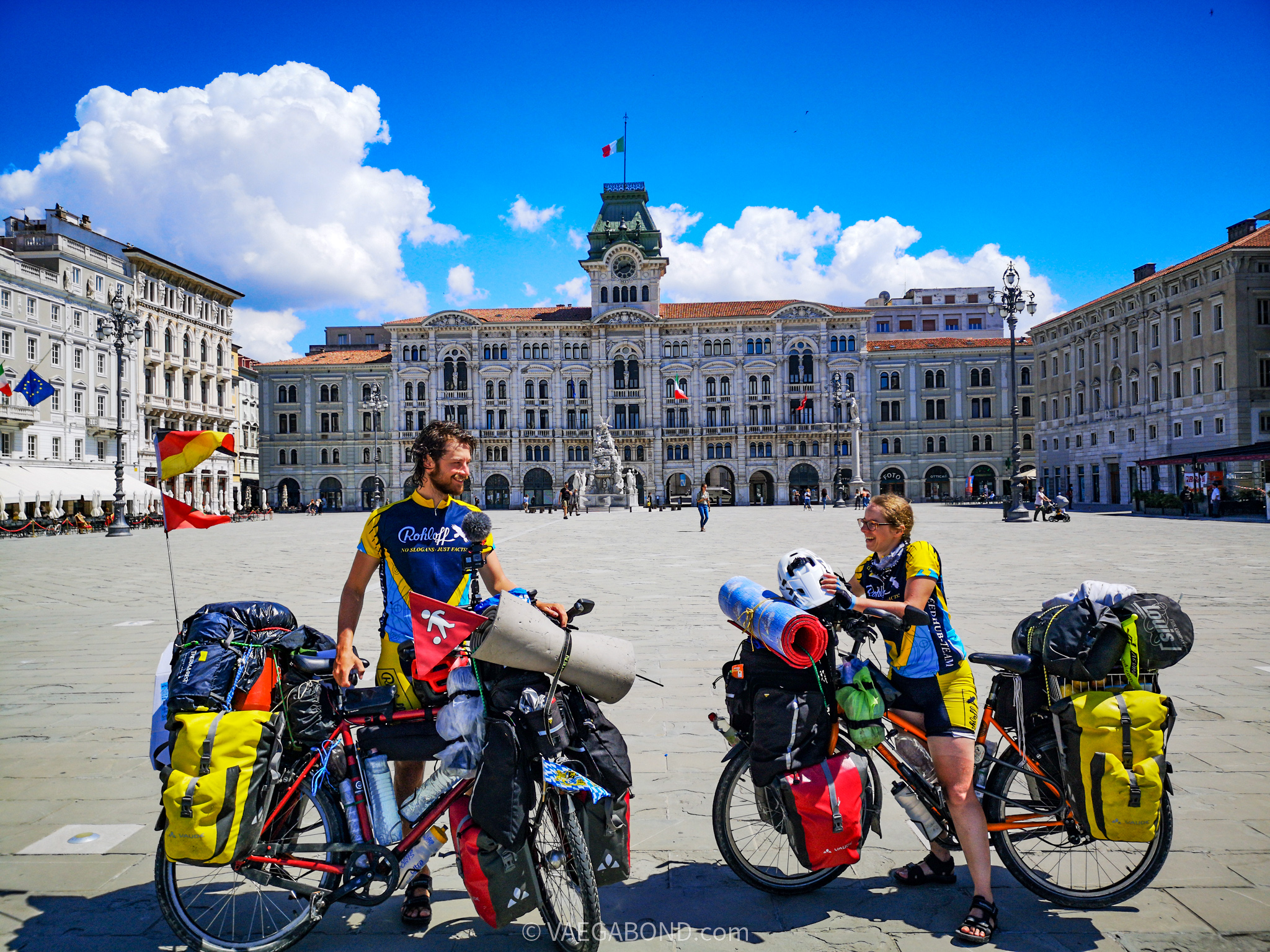
COVID-19: Wrenches, Waiting, and Back on the Road
View: COVID-19: Wrenches, Waiting, and Back on the RoadContributor: Vaegabond (Meli & Dani) **COVID-19: Wrenches and Waiting** The coronavirus took the world by surprise. We never imagined it could spread so fast or…
-
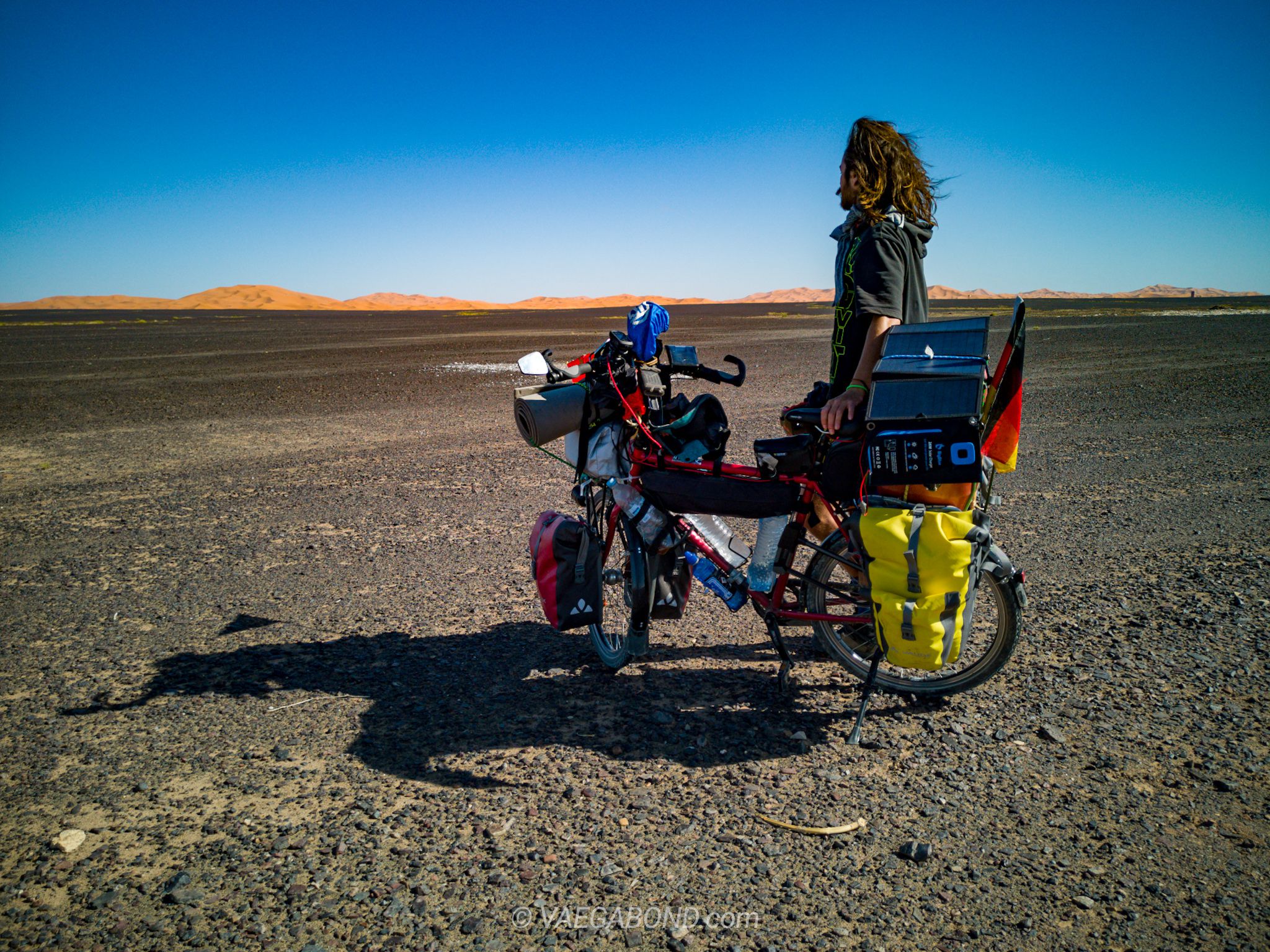
3 Months Cycling Morocco: From the Atlas Mountains to the Sahara and Everything In Between
View: 3 Months Cycling Morocco: From the Atlas Mountains to the Sahara and Everything In BetweenContributor: Vaegabond (Melli & Dani) Our Start in Fascinating Morocco Germany, the Netherlands, Belgium, Luxembourg, France and Germany again. Those were the countries we’d already…
-

Music Meets Adventure: The Inspiring Cycling Journeys of Singer & Songwriter TOZ Antonio Piretti
View: Music Meets Adventure: The Inspiring Cycling Journeys of Singer & Songwriter TOZ Antonio PirettiContributor: TOZ Antonio Piretti What happens when you pack your entire life, your live-performance equipment (including a speaker and cables), and an acoustic guitar onto…
-

When the Route Becomes the Destination — Start of our World Tour by Bicycle
View: When the Route Becomes the Destination — Start of our World Tour by BicycleContributors: VAEGABOND (Melli & Dani) We’re Melli and Dani, two adventurers from Bavaria who quit our jobs, gave up our apartment, and set off to…